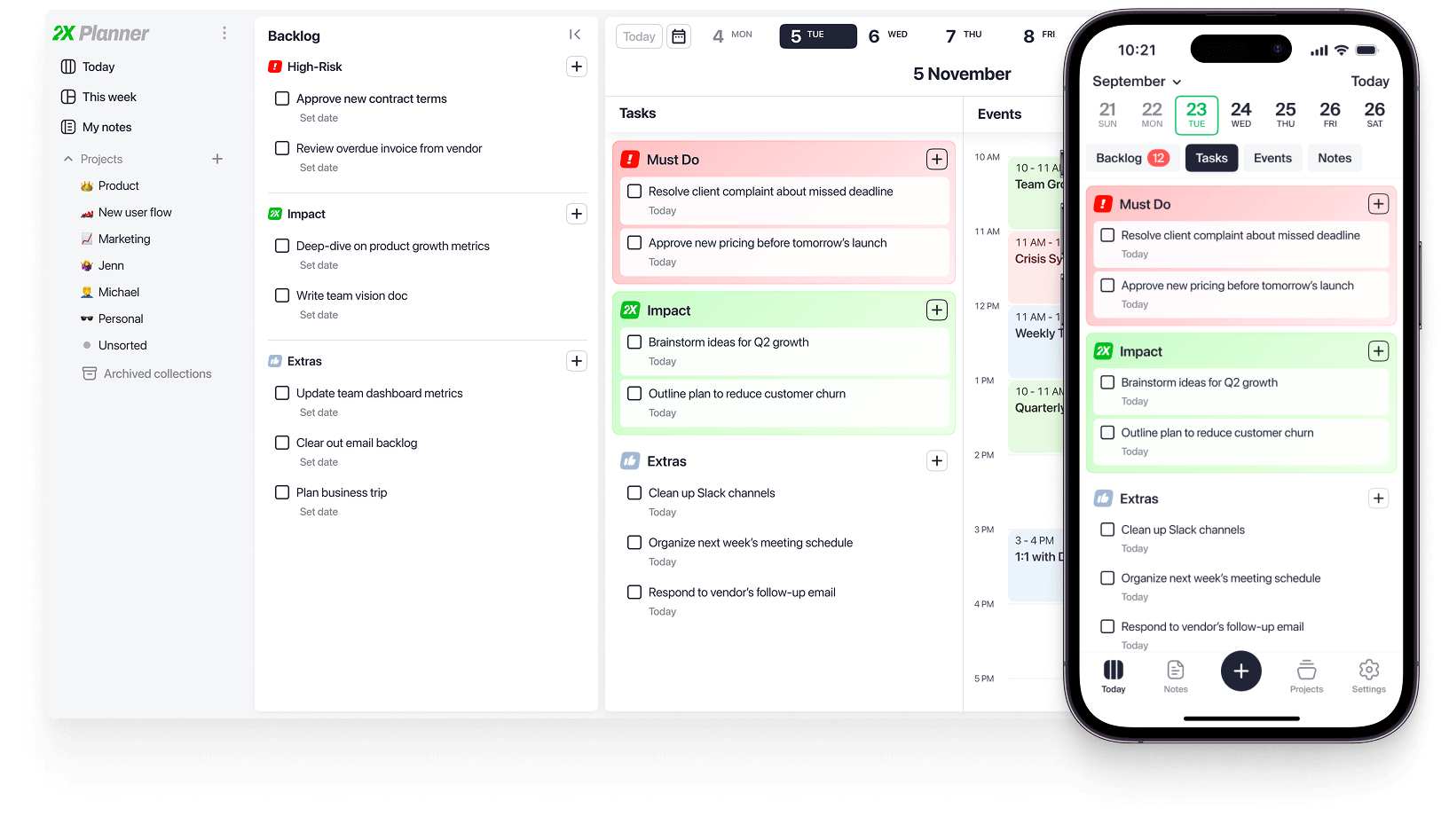
2X Planner is for People Who:

Balance work, life, and side projects and want to stay focused without dropping the ball
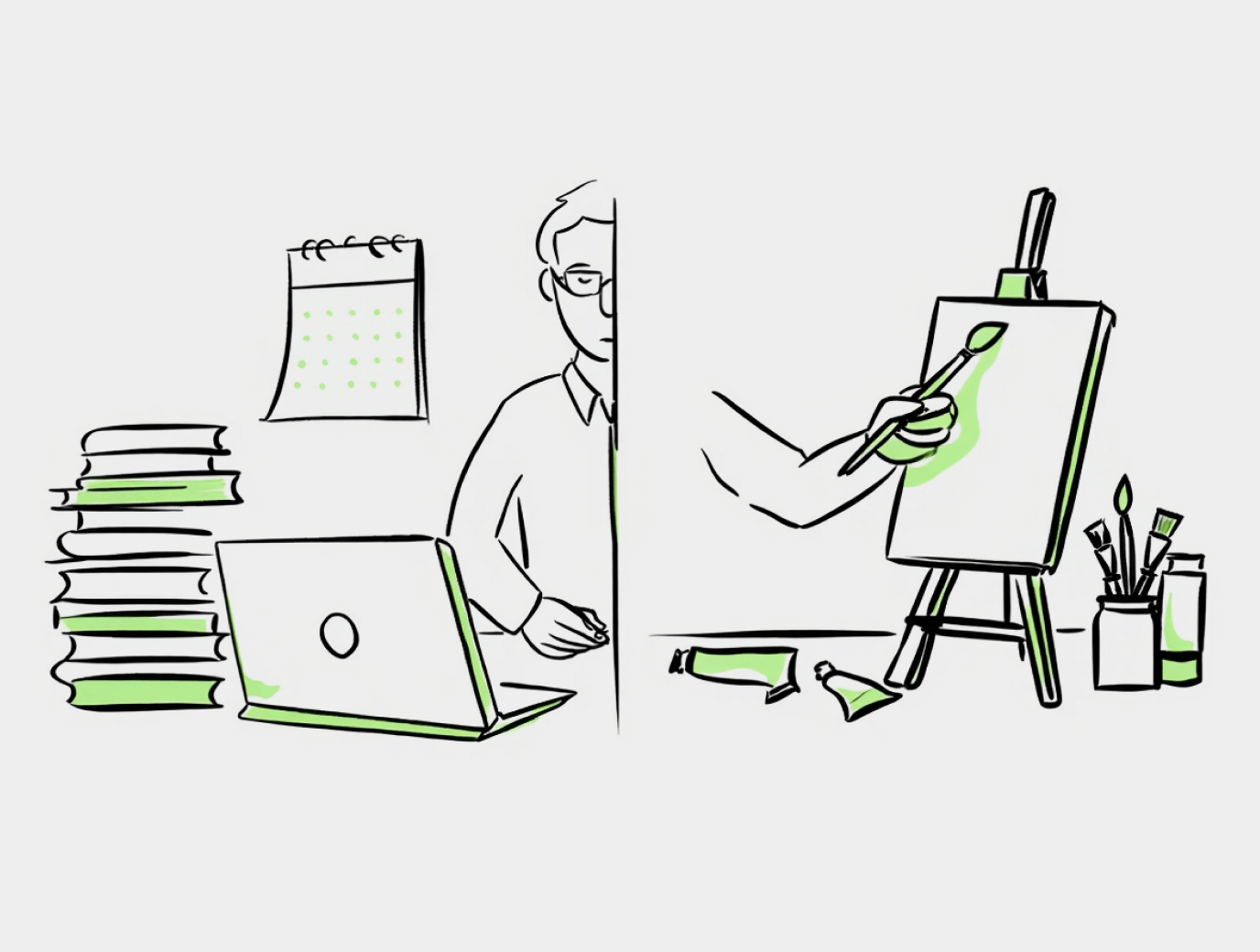
Feel busy but not satisfied at the end of the day and want more days with real progress
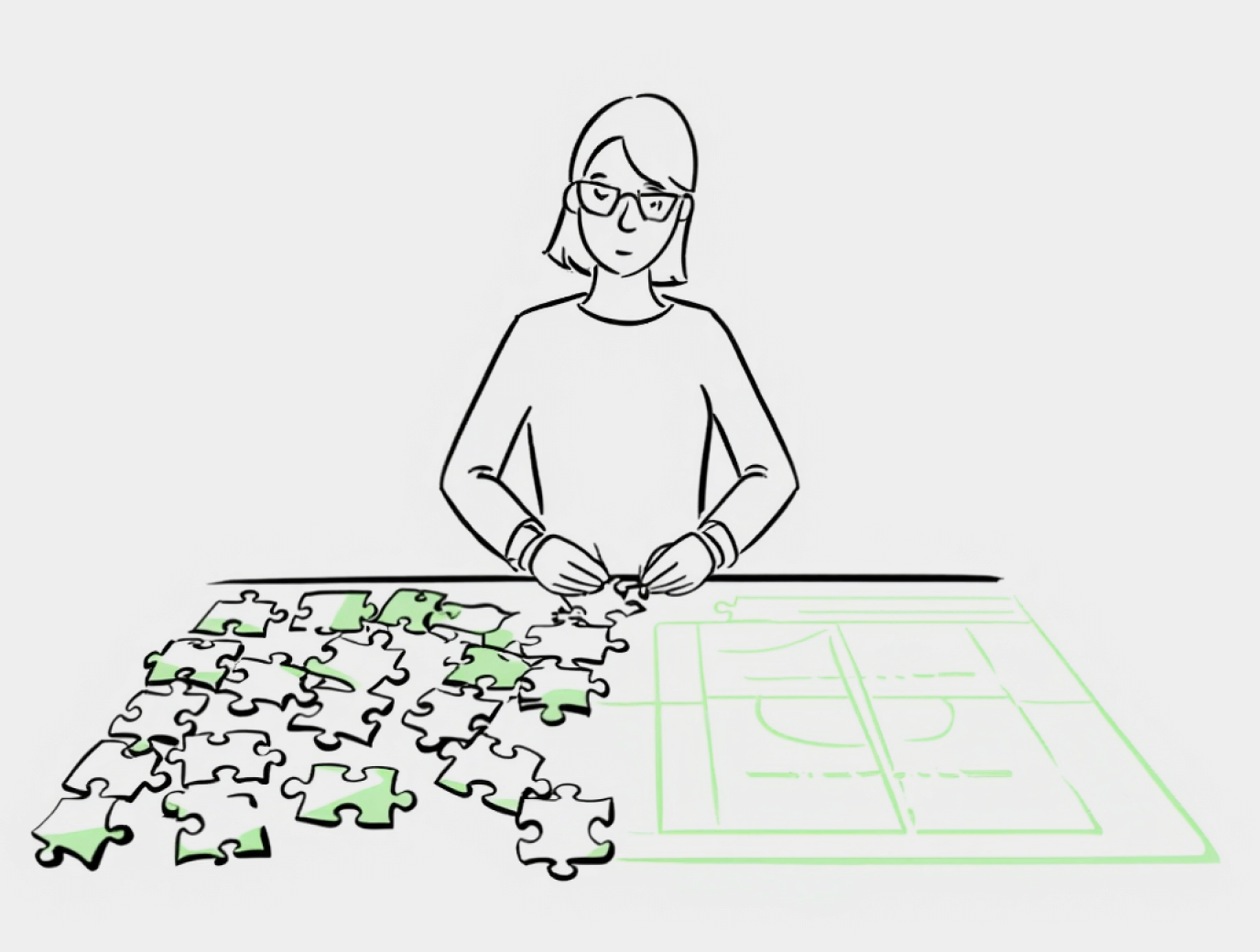
Start the day with too many “important” tasks and need a clear order, fast
How It Works in 5 Steps
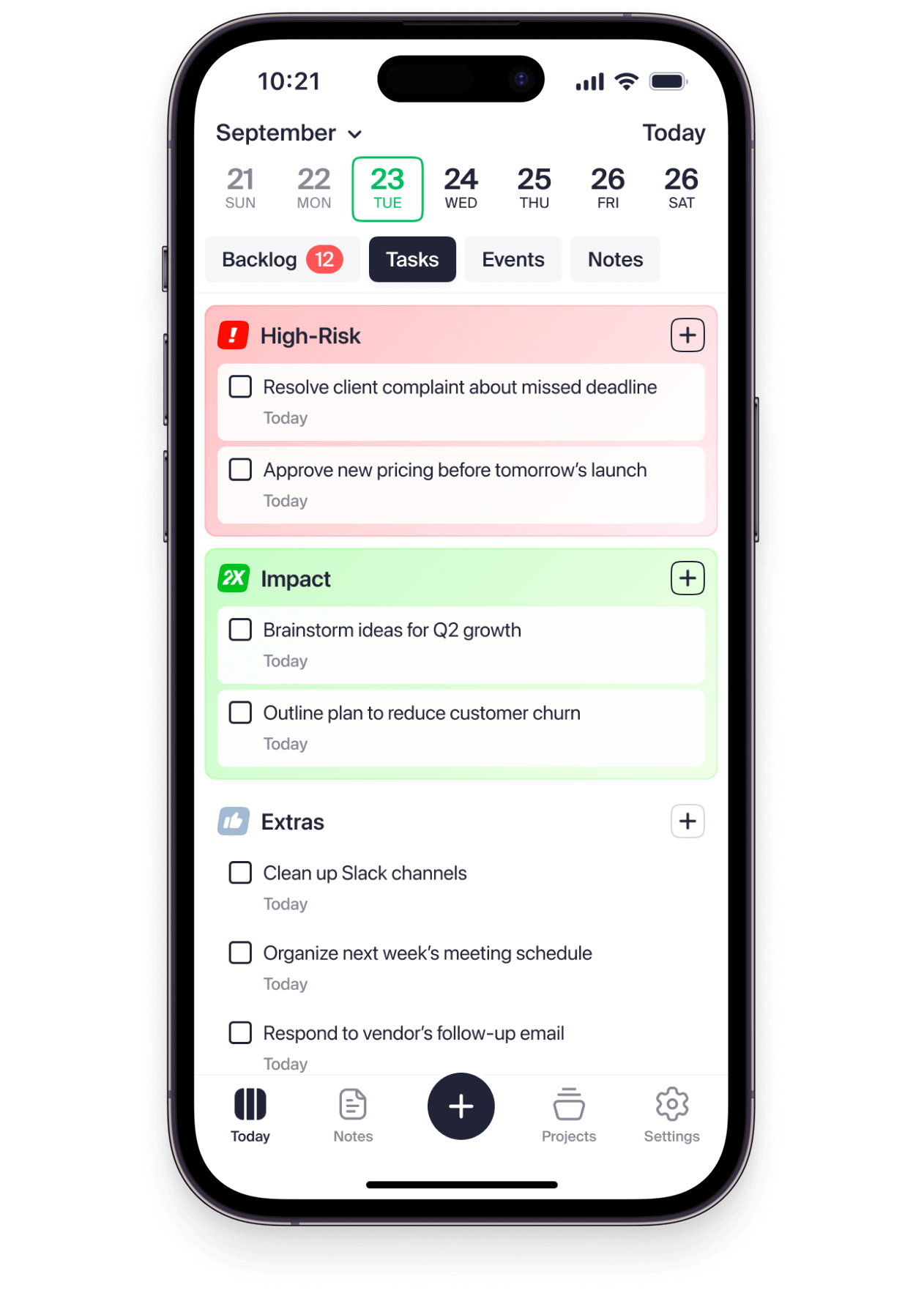
1.Prioritize With Clarity
Start by listing your tasks for today in three simple groups:
 Risks
Risks
Tasks that will cause problems if you don’t do them.
Examples: send report, reply to client, pay invoice.
 Tasks
Tasks
Work that moves you forward in the long run.
Examples: plan next steps, build side project, learn a key skill.
 Extras
Small tasks that help, but aren’t critical.
Examples: clear inbox, check messages, tidy files.
Risks  Tasks Extras
 2.Protect Your Time
Use time blocking to protect your day – drag and drop tasks onto your schedule:
Risks
Block time for tasks that must happen today.
Tasks
Protect focused time for work that moves your goals forward.
Extras
Fill short gaps with small, low-effort tasks.
Draft side project page 3.Make Meetings Work for You
Apply the same priorities to your meetings and calls:
Risks
Urgent conversations that prevent problems.
Tasks
Meetings that move your goals forward.
Extras
Routine updates and check-ins.
2X Planner syncs with Google and Outlook calendars, so your meetings show up automatically and are easy to prioritize.


4.Start Fresh Each Day
Life often gets in the way of our plans – and that’s okay.
- Some days are red – urgent issues and quick reactions.
- Other days are blue – routine work and maintenance.
- And then there are green days – the ones that move you closer to your long-term goals.
Each day in 2X Planner starts with a clean slate, so you can focus on what matters right now.
 Send Q3 report Plan next week’s priorities Plan milestones for side project
 5.Plan Anywhere
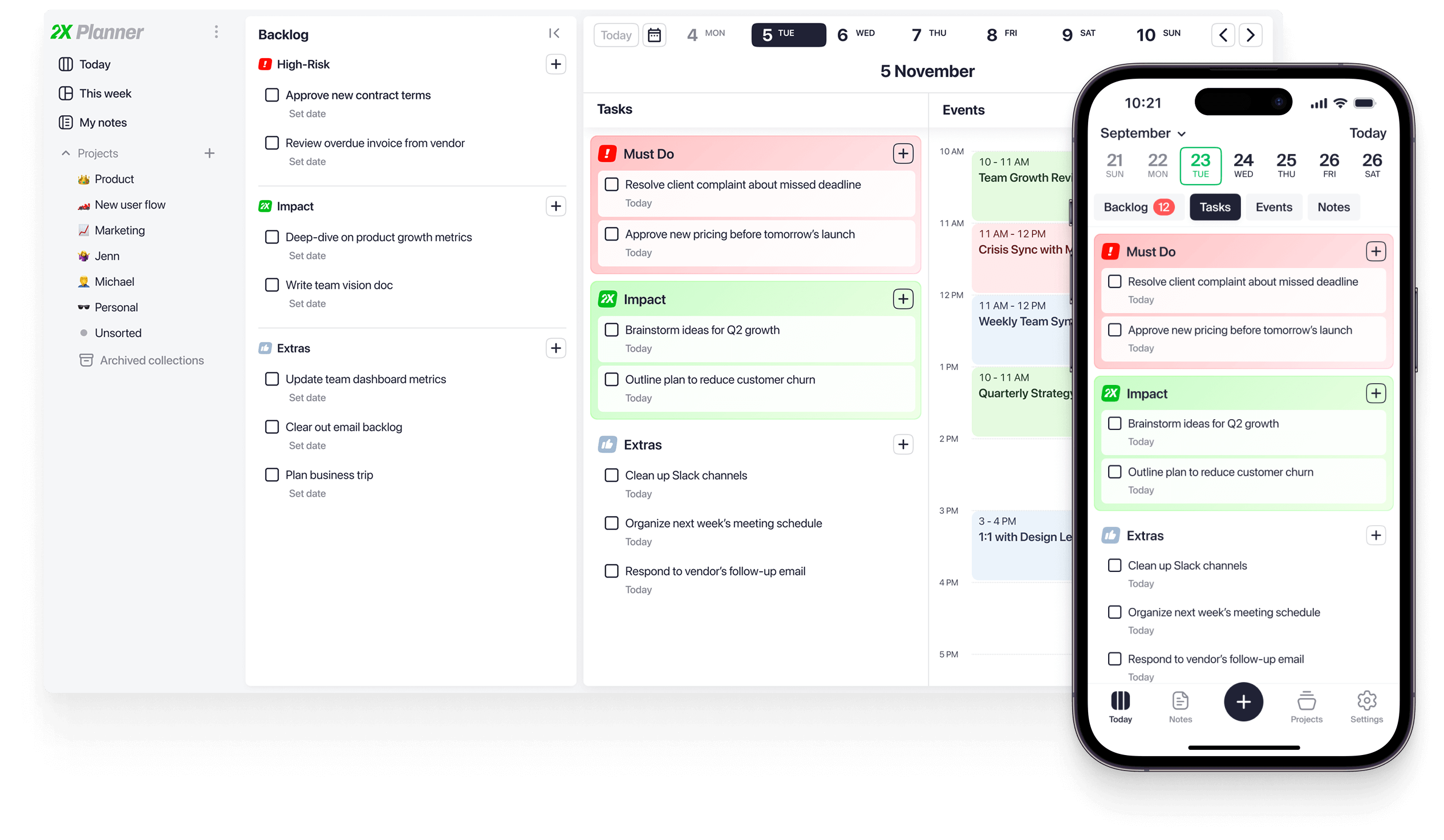
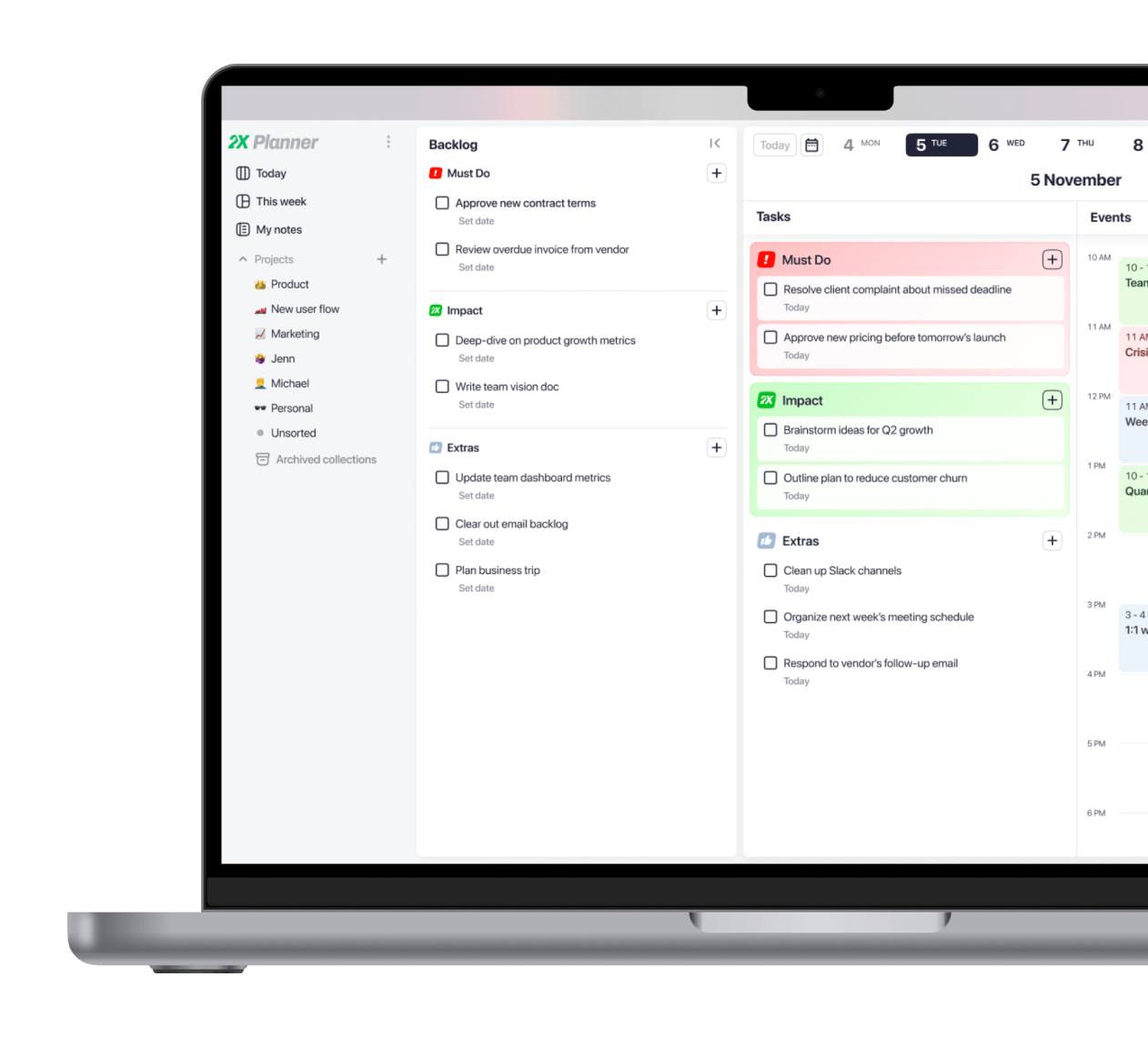
2X Planner is available on Web, iOS, and Android, so you can plan your day at your desk, on the go, or during a quick break.
We’ve Been There Too
We built 2X Planner because we had the same problem: everything felt important.
To-do apps became endless lists, calendars didn’t help us decide what mattered today, note apps turned productivity into a hobby.
So we built a simple system around priorities: Risks, 2Xs, and Extras – for tasks and meetings.
We’re not productivity influencers. We’re practitioners:
- Den – 10+ years in leadership at fast-growing companies (Bumble, Speechify)
- Alex – Lead designer at a company that builds and launches new startups
We built this for ourselves first – and now for anyone who wants less busywork and more progress.



Founders of 2X Planner
Results, Not Reviews
I usually write down even small tasks, because it helps me stay on track. One day I added a simple 2X task: run an auction for my painting, film it, and post it.
When the time came, I didn’t feel like doing it and almost skipped it. But seeing it clearly marked as 2X task helped me follow through.
Result: my first auction turned into my first international sale.

I’d always wanted to start my own thing.
With 2X Planner, I finally made consistent time for a side project and launched it to real customers.
I didn’t pause my career either – I even got promoted.
I’ve always had a demanding career, but when I found out I was pregnant, my old system stopped working.
2X Planner helped me get back in control, protect my time, and feel balanced between work and life again.


FAQ
How is 2X Planner different from tools like Notion, Todoist, or Google Calendar?

Notion:
Notion is great if you enjoy building systems – but it takes hours or even days to set up a workflow that actually works. 2X Planner is for people who don’t want to turn productivity into a hobby. You just open it and start planning – no templates, formulas, or databases to maintain.
Todoist:
Todoist mixes everything into one long list. It’s fine for collecting tasks, but it doesn’t help you focus on what matters today. 2X Planner is built around daily prioritization – you plan your day, focus on what’s important, and feel accomplished when you finish it.
Google Calendar:
Google Calendar is great for meetings, but it’s too basic for real task planning. Many of our users still use Google Calendar for team events, but connect it to 2X Planner to manage personal productivity and deep work.
Closest alternative:
The experience is most similar to a good paper planner – but without the hassle of carrying it around or rewriting tasks every day.
I already use a planner – why would I need another one?
If your current system works well for you, there’s no need to change it.
2X Planner is built around one specific idea – clear day-to-day prioritization. Everything in the product, from daily tasks to time blocking and calendar integration, is designed to help you focus on what matters most each day.
If that focus on daily clarity feels valuable to you, 2X Planner might be worth trying. If not, your current setup is perfectly fine to keep using.
Will it take a lot of time to learn or set up?
Not really. 2X Planner is designed to be useful from day one.
You simply sort your tasks into three groups – Risks, 2Xs, and Extras – then connect your calendars. From there, you’ll start seeing clear priorities right away.
As you use it, you’ll naturally discover more features – like private notes for events, projects, and overdues – but those are just a bonus, not a requirement.
I’m already busy – will this just add more work?
It might sound like that, but it’s usually the opposite.
In our experience, spending just 10 minutes in the morning planning your day changes the productivity of the whole day. As ambitious people, our results don’t depend on how many hours we work, but on what we choose to focus on.
Sometimes a single 30-minute task or conversation can save days of effort later. Planning works the same way: investing a few minutes to decide what truly matters can easily multiply your impact.
And once you get used to it, planning becomes second nature. Many users say they can’t imagine starting their day without it.
Can I use 2X Planner with my existing tools (Google Calendar, Outlook, etc.)?
Absolutely. 2X Planner supports two-way synchronization with both Google Calendar and Outlook. You can connect multiple accounts and see all your events in one place.
On top of that, it adds features your regular calendar doesn’t have — like priorities (Risks, 2X, Extras) and private notes to help you prepare for upcoming meetings.
You can still use Google or Outlook separately for managing team activities. 2X Planner simply gives you a personal layer of clarity and focus on top of them.
Does it work well for both personal and team planning?
No – 2X Planner is designed for personal productivity, not team planning.
It’s a single-user tool built to help leaders organize their own priorities, time, and focus. You can still use your existing team tools for collaboration, while using 2X Planner to stay clear on what matters most to you each day.
What if my days are unpredictable – can the planner adapt to that?
Yes. 2X Planner is built for people whose days are rarely predictable. Dealing with unexpected things is normal when you have a lot going on.
There’s no endless task list that keeps growing — each day starts fresh, so you can focus on what matters right now. And when new urgent tasks appear, you can put them into the Risks section to stay in control, even on your busiest days.
How does 2X Planner actually help me stay focused and prioritize?
Prioritization is the cornerstone of 2X Planner.
It divides all your work into three categories:
- Risks – “I’ll have problems if I leave this undone.”
- 2X Tasks – “If I do this, the impact of my team and mine will grow.”
- Extras – “If I do this, my results will grow in the long run.”
The same structure applies to meetings and calls – 2X Planner highlights which ones actually lead to results.
With this clear overview, staying focused on what truly matters becomes natural.
Is it available on all devices (web, iOS, Android)?
Yes. 2X Planner is available on the web, iOS, and Android.
Desktop apps are also coming soon.
What happens if I miss a day or stop using it for a while?
It’s completely fine to take a break from time to time – 2X Planner is built to handle that.
Unlike typical to-do apps with endless backlogs, you won’t come back to a wall of overdue tasks. All unfinished items are set aside, so you can review and sort them later when you’re ready.
Whether you skip a day or a week, you’ll still start fresh and plan your day the way you want.
How secure is my data?
Your data is stored securely on Google Cloud Platform (GCP) and follows all standard security best practices.
It’s encrypted in transit and never shared with any third party.
We take privacy seriously – your information stays yours, always.
Is there a trial or refund policy if it’s not for me?
Yes. 2X Planner comes with a 3-day trial, so you can see how it fits your workflow.
After that, you have 7 days to request a refund if it’s not what you expected — no questions asked.
I’m not a “productivity person.” Will this still work for me?
We aren’t either. We’re busy professionals who want to make an impact at work – not turn productivity into a hobby.
That’s why we kept things simple. 2X Planner is built around how real days actually look: tasks, meetings, interruptions, and personal goals. No complex systems, no endless templates to set up.
It’s not for people who want to spend hours tweaking their setup.
It’s for people who want to be effective, finish what matters, and make steady progress.
Who built 2X Planner – and why should I trust their approach?
2X Planner was built by people working in demanding roles — the same kind of professionals who use it every day. It’s the result of years of real-world experience trying to stay focused and productive when there’s always a lot going on.
It wasn’t created by productivity coaches or influencers. It was built by practitioners:
- Den, co-founder, spent over a decade in leadership roles at fast-growing companies, including Bumble and Speechify.
- Alex, co-founder, is a lead designer at a company that builds and launches new startups for a living.
They built 2X Planner first for themselves — and now for anyone who wants to be more intentional with their time and impact.